
From Stash Page to Checkout: Finding the Cheapest Listing
You found the skin on CSGO Stash — the right finish, the right look, drop source understood. Now comes the part Stash doesn't do: paying the least for it. Between the browse and the buy sit three small precision steps, and skipping any of them is how people end up with the wrong wear, a Souvenir surprise, or a price 30% above what the market actually asked. Here's the clean path, traps included.
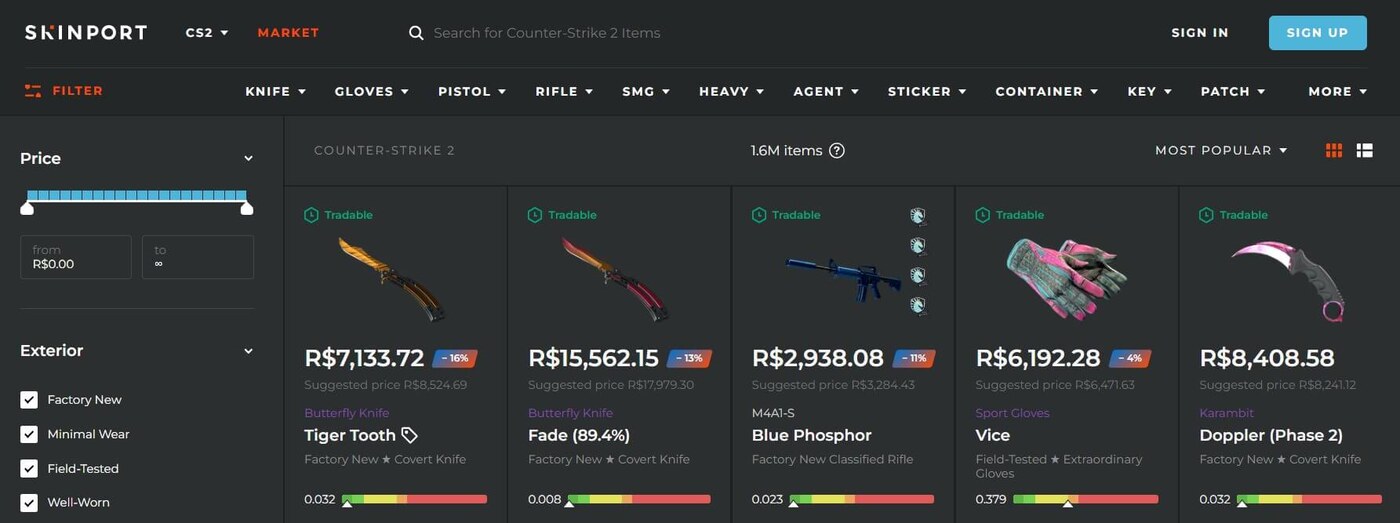
Step 1: pin down the exact item name
Marketplaces trade on the market hash name — the full, canonical string like AK-47 | Redline (Field-Tested). A Stash page shows the skin family; the tradable item is one specific wear of it, optionally StatTrak. Get these three decisions explicit before you search anywhere:
- Wear tier. Factory New to Battle-Scarred are five separate markets with wildly different prices — and looks. Stash previews help; float values decide where within a tier an individual item falls.
- StatTrak or not. The ™ prefix is part of the name and typically a large price multiplier.
- Souvenir trap. Some finishes exist in Souvenir versions that look identical in a search dropdown and price completely differently. If you didn't mean Souvenir, make sure the name doesn't say it.
Copy the exact string. "Close enough" names are the number-one source of wrong-item purchases — we wrote a whole cautionary piece on verifying names before buying.
Step 2: get the cross-market quote
Paste the name into a cross-market search and read the board properly: lowest listing per venue, fees added per payment method, EUR venues converted, supply confirmed. On cs2stack's marketplace that's one query — every venue's price on one card, the fee-adjusted winner flagged, and the discount versus the Steam number you saw implied on Stash. Expect that discount to be substantial; cash venues undercut Steam structurally, and our buys average ~36% below Steam. If you're doing it manually across tabs instead, the price checker guide covers how to rank quotes without being fooled by sticker prices.
Step 3: sanity-check the winner, then buy at the venue
Before paying, three ten-second checks. Wear and name match on the venue's listing page — venues display the full market hash name; read it once more. The price is live — quotes age, and venues reprice at different speeds; a live re-check at checkout catches the listing that sold an hour ago. The float suits you if you care — within a wear tier, individual floats vary, and skins near a tier boundary can look meaningfully different; float-sensitive buyers should filter by the actual number, not just the tier label. Then complete the purchase on the venue itself, with your own account — an aggregator worth using routes you there rather than standing between you and your item.
The compressed version
| Step | Action | Trap it avoids |
|---|---|---|
| 1. Name | Exact market hash name: wear + StatTrak + (no) Souvenir | Wrong-item buys |
| 2. Quote | Cross-market search, fee-adjusted, one currency | Paying the Steam premium |
| 3. Verify | Live price re-check + name re-read at the venue | Stale quotes, tier-boundary floats |
Total added time over "click the Steam link on Stash": about a minute. Typical saving: the gap between the most expensive venue in CS2 and the cheapest one holding your item today. If you buy regularly, that minute is the best wage you'll earn in this game — and if you'd rather not earn it manually every time, that's exactly the loop cs2stack automates.